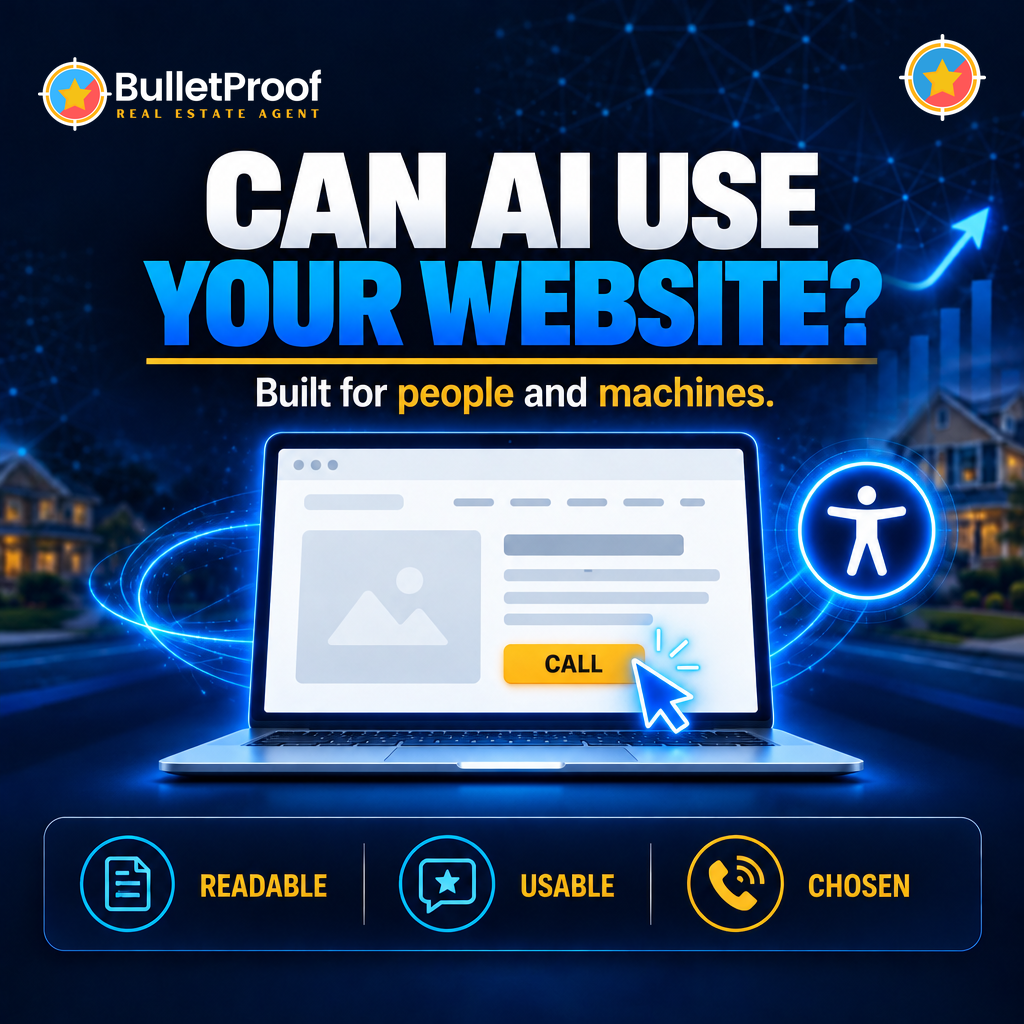
Can People and AI Agents Actually Use Your Real Estate Website?
Your website looks good. You've checked it on your laptop, you've checked it on your phone, and the photos make you proud. When someone tells you it needs work, it's fair to wonder what they're talking about.
Here's the part nobody shows you. Some of the visitors to your site can't see it the way you do. A seller who uses a screen reader hears your page instead of seeing it. And a new kind of visitor is arriving too: AI tools that don't just read your page, but try to click your buttons, fill in your form and book the call for someone. Am I close to something you've never been told?
AI doesn't pick the best agent. It picks the agent it can understand. More and more, it also picks the agent whose website it can actually use.
AI tools are starting to click, not just read
For the last two years, the question was whether ChatGPT, Google, Gemini, Claude, Perplexity, Copilot and other AI tools could find you and say your name. That still matters most. But the tools are learning a second skill. Some can now open a website, find the contact button and fill in a form on a person's behalf.
Our clients already see the first half of that story. Ryan Comstock, a 20-year agent we work with, has had buyers find him through Copilot and Claude. Lisa Peabody, a RE/MAX agent in Wentzville, Missouri, had a seller find her on ChatGPT. The next step is the same seller asking the tool to set up the call. When that happens, your website is the place the tool has to work.
What Google's Chrome team says agents rely on
Google's Chrome team now has a check for this. It's called Agentic Browsing, and it sits inside Lighthouse, the free testing tool behind PageSpeed Insights. In its post on the agent-ready toolkit, the team puts the first rule in five words: "Accessibility is for humans first."
Then it explains why that matters for machines. "Agents rely on the accessibility tree," it says, "as their primary data model." The accessibility tree is the plain list of everything on your page that a screen reader announces: headings, links, buttons, form fields and their names. The same post says both checks "verify that every interactive element has a programmatic name." In plain English, every button and link needs a name a machine can read, not just an icon a person can see.
It also checks whether things on the page jump around while it loads, "preventing agent misclicks." If your call button moves just as a tool tries to press it, the tool taps the wrong thing. So would a person.
Here's the honest limit. The team says that, for now, "Agentic Browsing is informational and unbenchmarked." It isn't a ranking score, and nobody can promise it moves you up in Google. We treat it as an early signal of where things are heading, not a guarantee.
What usually breaks on an agent website
In our own experience, agent sites rarely have one big accessibility problem. They have a handful of small ones nobody noticed, because they're invisible to someone looking at the page.
Icon buttons with no name
The phone icon, the email icon, the little map pin and the social icons in your footer. To a person they're obvious. To a screen reader or an AI tool, many of them are just "link," with nothing to say where it goes.
Forms with unlabeled fields
A contact form where the boxes only have grey hint text inside them. Once someone starts typing, the hint disappears, and a machine may never have known which box was for the phone number.
Photos with no description
Your headshot and listing photos need a short text description. It helps a person who can't see the image, and it tells Google and AI what the picture shows.
Pages that shift while they load
Banners and pop-ups that push the page down after it appears. Our post on a slow website on a phone covers the speed side of this.
What we found on one client's site
We recently ran these checks on one client's website. On the first test, the Agentic Browsing check passed one of three items. A big reason was simple: nine of the contact and social links in the header and footer were icons with no readable names.
We gave those nine links proper names without changing where any of them go. The next tests passed two of three. Same design. Same links. Now a screen reader and an AI tool can tell the phone link from the email link.
Video transcript: Joinbulletproof.com, where sellers call you. And we'll see you at the top.
We also told the client plainly what didn't change yet. The overall accessibility score was still 76, because the rest of the fixes weren't live. That's the honest version of this work. It's a list of small repairs, done one at a time, and the scores move in steps.
The lesson we took from it: a beautiful website and an accessible website are not two different websites. Nothing about the design had to go. The names were simply missing underneath it.
The invisible loss of a site nobody can use
When a seller can't use your site, she doesn't email to tell you. When an AI tool can't find your contact button, it doesn't apologize. It moves to the next agent on its list, whose button it can read.
Nobody calls to tell you they picked someone else. And nothing about your skill decided it. Google isn't judging you. It's matching you, and a tool that can't use your page has nothing to match.
What we tell our clients about accessible websites
When a client asks whether their site is ready for people and AI tools, this is the standard we hold to:
- Every button and link gets a name. If it's an icon, it still needs words underneath that say what it does, like "Call" or "Email."
- Every form field gets a label. Name, phone, email and message should be named in the code, not just shown as grey hint text.
- Every important photo gets a description. Your headshot, your team and your listings, described in a few plain words.
- Keep the page still while it loads. No banners that push the call button around after the page appears.
- Fix in small steps and test again. One round of fixes rarely gets everything, so we test, repair, and test again.
Your ten-minute check
You can start today without touching any code.
First, run your homepage through Google's free PageSpeed Insights and look for the Accessibility and Agentic Browsing sections. Don't panic at the numbers. Read the list of items underneath.
Second, try your site without a mouse. Press the Tab key and watch where the highlight goes. Can you reach your phone number and your contact form? If you get lost, a machine probably does too.
Third, read your contact form out loud the way a stranger would. Does every box say what it's for? Our post on a machine-readable website covers the words on the page, and our guide to how ChatGPT, Claude, Gemini and Perplexity choose agents shows where all of this leads. If you want a site built for people and machines from day one, see how we build agent websites. Or get a free AI visibility audit and we'll show you what Google and AI see on yours.
A website everyone can use
You don't need a plainer site. Nothing about you or your brand needs to change. Your website just needs to work for every visitor: the seller with the screen reader, the seller in a hurry, and the AI tool booking a call on someone's behalf.
AI doesn't pick the best agent. It picks the agent it can understand. Picture it a year from now: a seller tells an AI tool to find a good agent in her town and set up a call. It finds you, presses a button it can read, and your phone rings with a seller who has already decided. Sellers call you. Not you calling sellers.
Frequently asked questions
What is Agentic Browsing in PageSpeed Insights?
It's a newer Lighthouse check from Google's Chrome team. It looks at whether AI agents can use a page: named buttons and links, a stable layout and related checks. Google calls it informational for now.
Does website accessibility help with ChatGPT and Google?
Google's Chrome team says AI agents rely on the same accessibility information screen readers use. We treat it as one signal among many, not a ranking guarantee.
What's the most common accessibility problem on agent websites?
In our experience, icon-only links and buttons with no readable name, like phone, email and social icons, plus form fields without labels.
Do I have to redesign my website to make it accessible?
Usually not. Most fixes are underneath the design: names for links, labels for form fields and descriptions for photos.
How do I check my site?
Run Google's free PageSpeed Insights on your homepage, read the Accessibility and Agentic Browsing items, and try reaching your contact form using only the Tab key.
Related reading: New-construction listings: get found while the house is going up